Recording Great Audio on Android Devices

Creating a VoiceMap audio tour is easy, intuitive and a great way to tell your stories, but there are also a few new things to be learned. Recording the best possible quality audio for your tour will mean more people enjoying and sharing it. It’s your voice that will be giving directions and telling stories, so this tutorial will help you to create the best possible audio using your Android device.

Installing a Voice Recorder

1. Go to the Google Play store and download Smart Voice Recorder (free).
smart-voice-recorder-logo

Continue reading Recording Great Audio on Android Devices

Looking past the obvious in LA: Aric Allen on Hollywood

“Location-aware audio walk” doesn’t trip off the tongue, does it? It’s a phrase for a technical medium, with lots of moving parts, and sometimes VoiceMap’s storytellers get bogged down by all of our publishing tool’s many mechanics.

The result is a list of facts instead of stories, with the things that are physically most obvious at the forefront – the monuments, buildings, and landmarks that get mapped out right at the beginning of the process – instead of the stories that made the walk compelling in the first place.

Continue reading Looking past the obvious in LA: Aric Allen on Hollywood

Using a GPS Logger

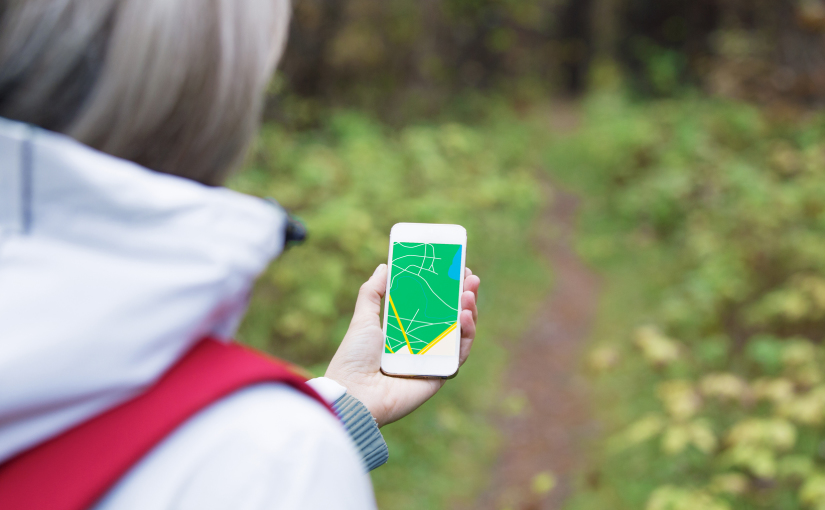
When you start your VoiceMap, the first step is plotting your route. If your route goes through a city, it’s easy to do using our online tool. Landmarks and streets are easily visible, and you can flip between the map, satellite photographs and street view. But for routes on outdoor paths, it can be hard to see where to put the line. Isolating small landmarks that aren’t visible on maps is tricky too, and it’s best to use a GPS logger application.

Continue reading Using a GPS Logger